Step 1: Scan the Medi-QRlink card
Scan the QR code located on the front of the Medi-QRlink card with any smartphone.
Most modern smartphones have a QR Code reader built into their phones camera.
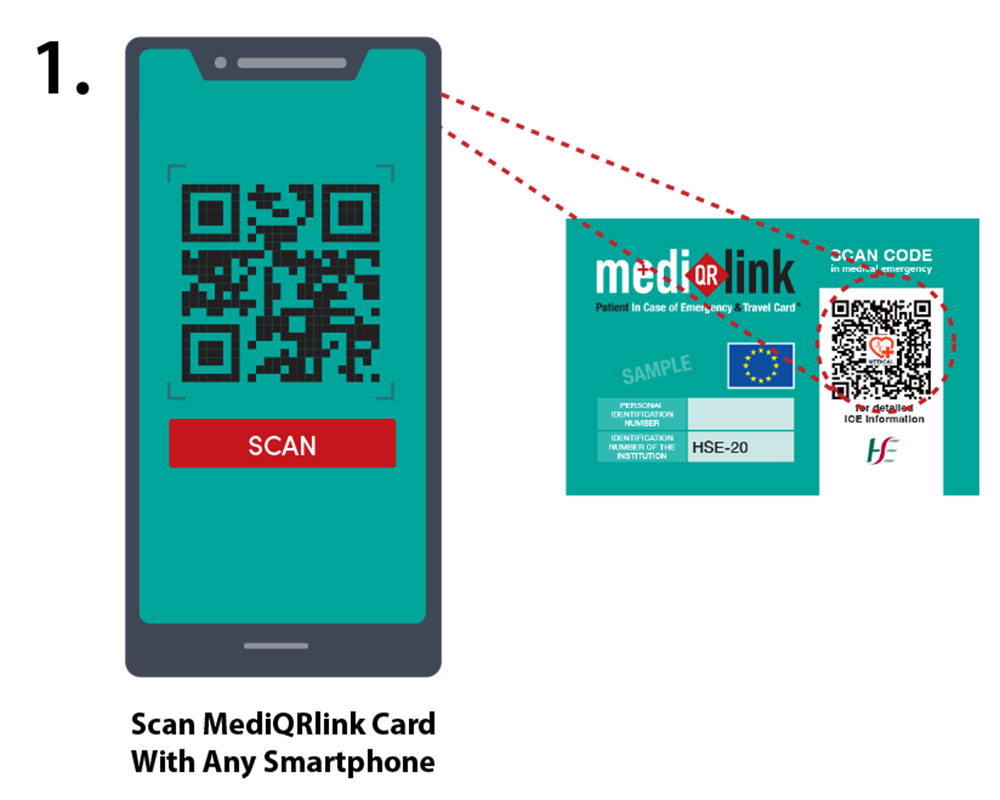

Scan the QR code located on the front of the Medi-QRlink card with any smartphone.
Most modern smartphones have a QR Code reader built into their phones camera.
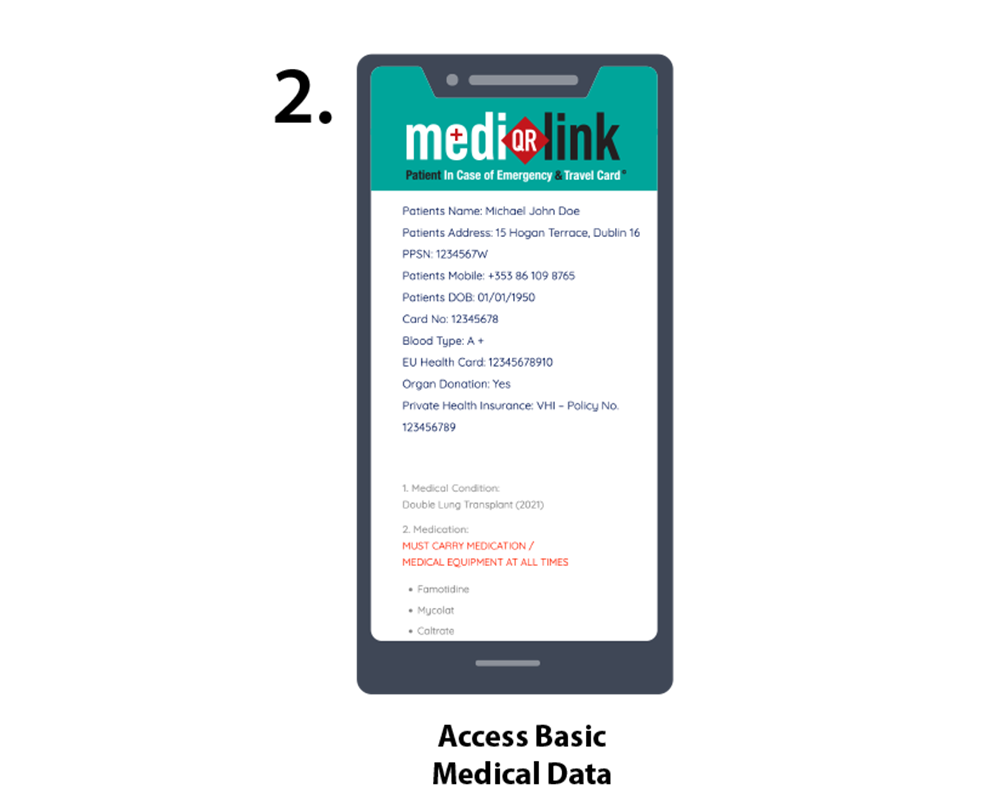
Once you have successfully scanned the QR Code, you will automatically be brought to a private webpage.
This webpage will provide the responder with full medical history and will include the following information:
Also included on the private webpage will be password protected sensitive medical data such as blood reports and consultant reports.

Just scan the QR code with your smartphone or click it.
Depending on your smartphone model and age you may need to enable “Scan QR Codes” in your camera app settings.